Overview
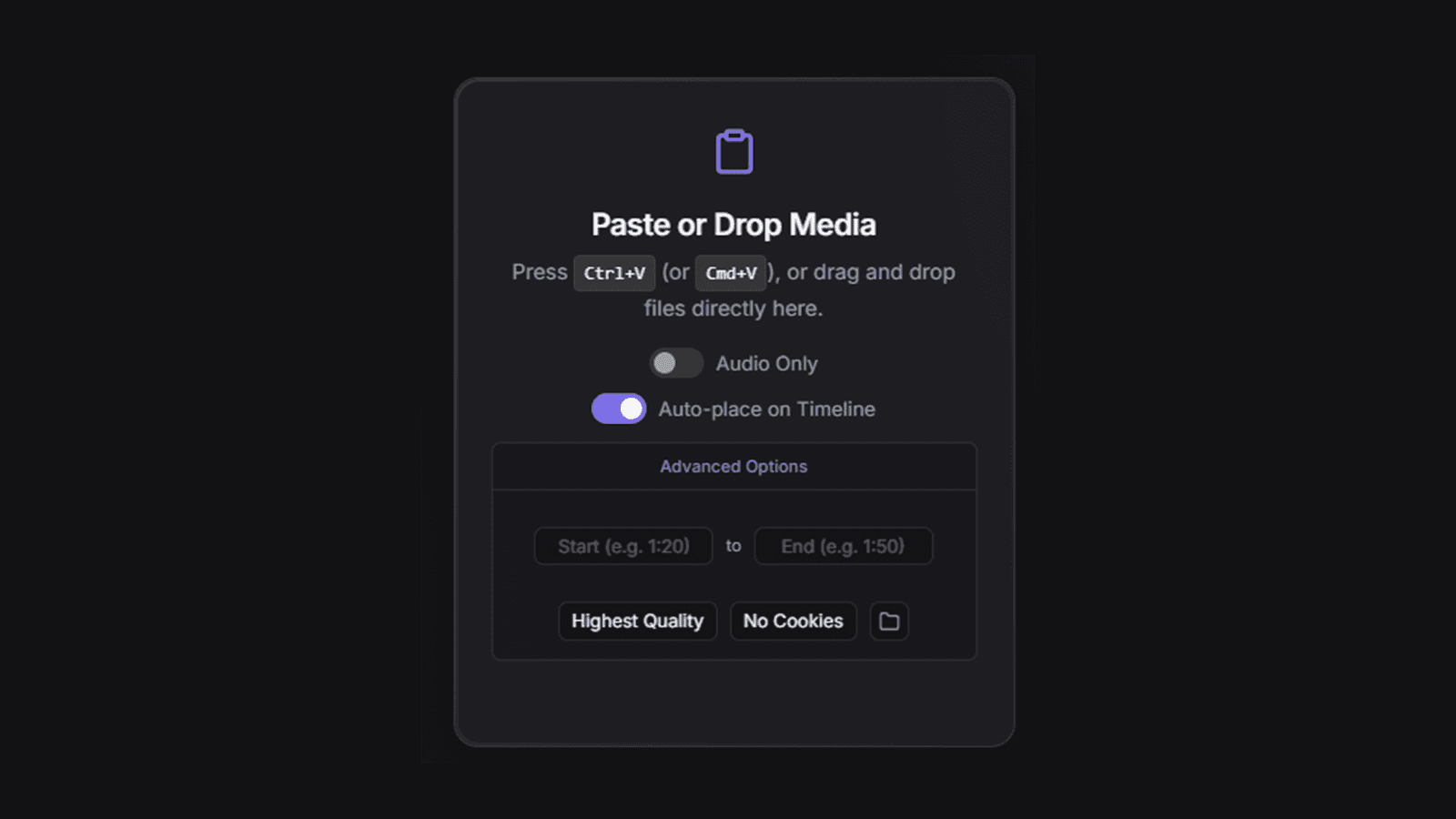
Toothpaste is an extension for Premiere Pro 15+ and After Effects 18+. You copy an image, a file path, or a video link, press Ctrl+V in the panel, and the media lands on your timeline at the playhead.
The name is the joke: it helps you squeeze every last drop of efficiency out of an edit, and keeps the timeline fresh. I built it for my own editing first.
The Problem: Death by a Thousand Clicks
Every edit had the same loop, and none of its steps was hard. Together they broke the creative flow every time.
| Step | What it costs |
|---|---|
| Find a reference on YouTube or Pinterest | Nothing; this is the fun part |
| Download it | A browser tab, a save dialog, sometimes a converter site |
| Lose it in Downloads | A minute of hunting through files named video (3).mp4 |
| Import and drag it onto the timeline | Another dialog, another drag |
| Remember the idea you had | Often, you don't |
The last row is the real cost. By the time the clip is on the timeline, the idea that made you want it has gone cold.
How a Paste Becomes a Clip
The panel works out what you pasted and routes it. A local file or image goes straight in. A link goes through yt-dlp to download it, and animated GIFs and WebPs go through FFmpeg to become MP4s Premiere can actually use. Then ExtendScript, running inside Premiere, imports the file and places it at the playhead.

Key Decision: Simple by Default, Powerful When Asked
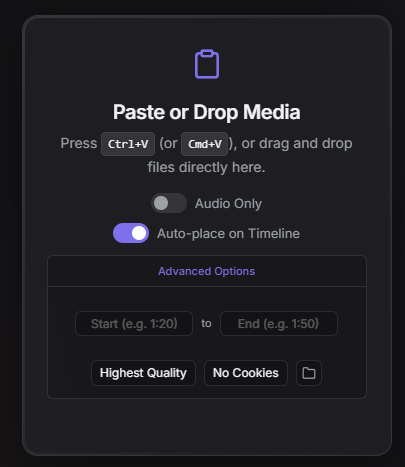
The panel shows one instruction and two switches. Everything else, quality, a time range, and browser cookies, sits under Advanced Options, so the common case stays one keystroke.
| Feature | Where it lives |
|---|---|
| Paste: images, file paths, or URLs | The whole panel is the target |
| Drag and drop, including batches | The whole panel is the target |
| Audio only, saved as MP3 | A switch, always visible |
| Auto-place on the timeline | A switch, always visible |
| Quality: highest, 1080p, or 720p | Advanced options |
| Time range: download just a segment | Advanced options |
| Browser cookies for restricted content | Advanced options |
| GIF and WebP to MP4 | Automatic |
| Recent history: the last 5 imports | Below the panel |
Version 2.1: Fixing What Users Hit
The second version was mostly about removing friction the first one created.
| In 2.0 | In 2.1 |
|---|---|
| Pasting a link started a download immediately, often by accident | A dedicated URL field and a Download button |
| FFmpeg re-encoded every video, sometimes for 15+ minutes | Direct stream copying: seconds instead of minutes |
| Downloads always fetched the whole video | Start and end times slice just the part you need |
| Some downloads failed with an unsupported compression error | Requests H.264 and AAC, falling back from 4K VP9 or AV1 to 1080p H.264 |
| Silent freezes on Initializing download | Errors reported in the progress bar |
| Updates failed with Invalid Code Signature | The build reuses its certificate |
I shared the launch on LinkedIn, and the most common support question was FFmpeg missing, so the first fix for any trouble is installing FFmpeg.
Distribution
Toothpaste ships as a pre-built .zxp on GitHub Releases. Install it with an extension manager and open it from Window → Extensions; there's no Node.js and no build step for users.
| Piece | File |
|---|---|
| Extension manifest | CSXS/manifest.xml |
| Panel interface and logic | index.html, js/main.js, css/style.css |
| Premiere and After Effects side | jsx/host.jsx (ExtendScript) |
| Packaging | build.js produces a signed .zxp |
The code is ISC-licensed on GitHub.